How to check if a Shopify store is real
A store is selling a brand you know at a price that seems too good. Before you enter a card number, four checks. None of them needs an account, a tool or a subscription.
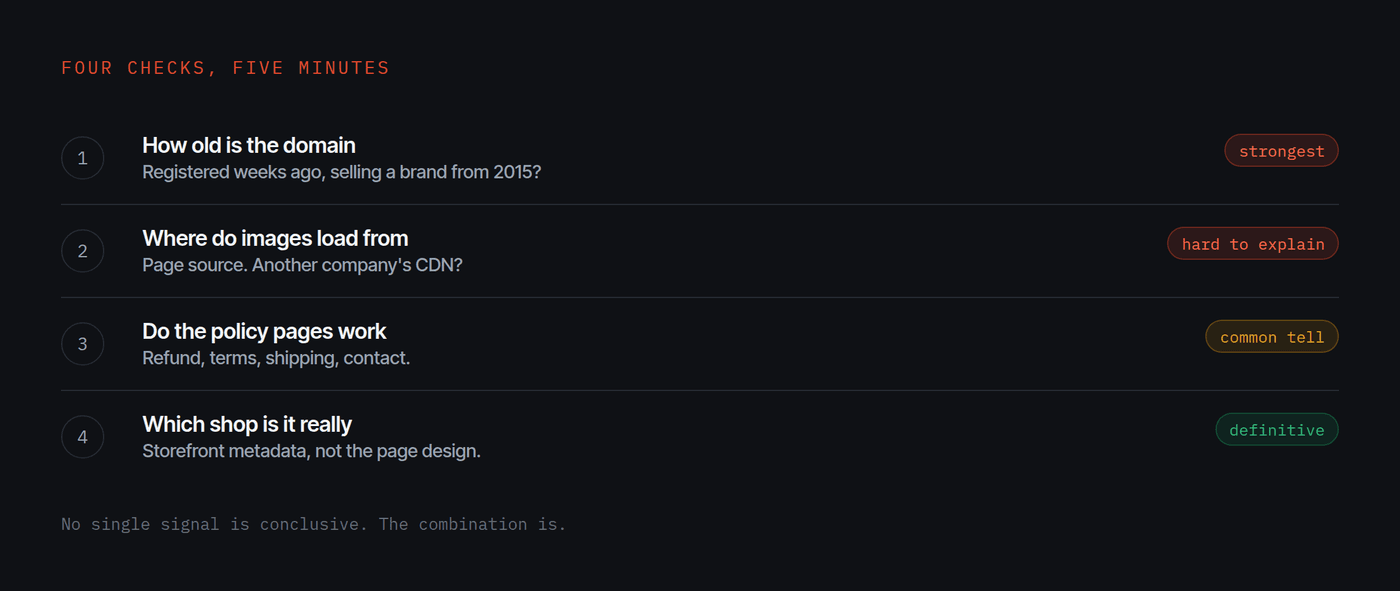
Run four checks. One, the domain registration date: a store selling an established brand on a domain created weeks ago is the strongest single signal. Two, whether product images load from another company's servers. Three, whether the refund and terms pages actually work. Four, which shop the storefront metadata identifies.
1. How old is the domain
This is the fastest and the most telling. Every domain has a public registration record showing when it was created.
An established brand's own store sits on a domain that is years old. A copy sits on one registered weeks ago, because it did not exist before the operator decided to build it. If the brand has been trading since 2015 and the domain was created last month, you have your answer and you are three minutes in.
2. Where do the product images come from
Right click the page, view source, and search it for the image paths.
A real store serves its own images from its own infrastructure. A hastily built copy very often does not bother, and links straight to the original brand's servers, because that is faster than downloading and re-uploading everything.
If the product photographs on this store are loading from another company's content delivery network, that is not a coincidence and there is no innocent version of it.
3. Do the policy pages exist
Click the footer links. Refund policy, terms of service, shipping, contact.
Real stores have these because platforms and payment providers require them and because customers ask. Copies frequently leave them as dead links, or as a generic template with another company's name still in it, or they error entirely. A store asking for your card while its refund policy returns a 404 has told you something.
Look for a physical address and a company registration number too. Their absence is not proof of anything on its own, but their presence is easy for a legitimate business and inconvenient for a copy.
4. Which shop is it, really
If the store runs on a commerce platform, its own storefront metadata will usually identify the shop. That is a different question from which brand the page claims to represent.
A brand's official store and a copy of it can look identical and be two entirely separate shops, with different owners and different bank accounts. The page design is under the operator's control. The shop identity is not.
Weigh them together, not separately
No single signal is conclusive. Brands do launch new domains. Small shops do have thin policy pages. A low price can be a real clearance.
What matters is the combination. A domain registered 51 days ago, pulling its product images off another company's servers, with a refund policy that errors, selling a brand that has traded for a decade, is not four ambiguous facts. It is one obvious one.
If you have already bought
- Contact your card issuer or payment provider. Describe it as a merchant misrepresenting who they are, not as a late delivery, because that routes it differently.
- Keep everything: dated captures of the store, the order confirmation, any correspondence. Stores disappear and take your evidence with them.
- Tell the real brand. Most of them have no idea the store exists, and your report may be the first they hear of it.
Questions
What is the single fastest check?
Domain age. A public registration lookup shows when the domain was created. A store selling an established brand on a domain registered weeks ago is the strongest single signal there is, and it takes under a minute.
Does being on Shopify mean a store is legitimate?
No. Shopify is a platform anyone can sign up for, so running on it says nothing about whether the shop is the brand it claims to be. What matters is whether it is the brand's own shop, which is a different question.
The prices are very low. Is that enough on its own?
No. Legitimate clearance exists. A low price matters when it sits beside other signals: a young domain, missing policy pages, and images served from someone else's servers.
I already paid. What now?
Contact your card issuer or payment provider and describe it as a misrepresented merchant rather than a delivery problem. Keep dated captures of the store, your order confirmation and any correspondence. Then tell the real brand, because they usually do not know the store exists.