Fake Facebook and Instagram Ads Using Your Brand: Find and Remove Them

Brands look for copies in search results. Most copies are not there, because they never intended to be.
Search Meta's Ad Library by your brand name, your product names and the advertiser to see what is running. Then report through Meta's intellectual property form rather than the in-app report button, which handles community standards instead. Expect your contact details to be passed to the advertiser, as with any IP claim.
Why the ad route matters more than search
A store built to copy a brand has a short life and no interest in ranking. It buys traffic, converts what it can, and moves before anything catches up. Paid social is where that happens, and the creative is very often the brand's own product video, which is exactly why it converts.
This has a practical consequence. If you only monitor search, a store can run for its entire lifespan without ever appearing in anything you watch, while your customers see it every day.
Find the ads
Meta publishes an Ad Library that shows ads currently running across Facebook and Instagram. You do not need an advertising account to search it.
Search it three ways:
- Your brand name. This finds ads using your name in the text.
- Your product names. Often more productive, because the copy uses the product name and avoids the brand name precisely to stay out of the obvious search.
- The advertiser, once you have found one. An operator running one copy is usually running several, and the library shows everything from that page.
Capture what you find. Dated screenshots of the ad, the advertiser name, the destination URL and the library entry itself, because ads stop running and the entry changes.
Report through the intellectual property route, not the report button
The in-app report control on an ad handles community standards questions. An intellectual property claim goes somewhere else, through Meta's Intellectual Property Reporting Center.
That form asks you to identify the rights you hold and the specific content you say infringes them, and it carries a declaration you are making in good faith. As with any IP route, that declaration is the part only the rights holder can make.
Be specific about what was taken
"They are copying us" is not actionable. These are:
- This video is our video. Here is where it is published on our own channels, with the date.
- These product photographs are ours. Here are the originals.
- This ad names our brand and links to a store that is not ours.
Pair each claim with the original. A reviewer deciding quickly wants to see the two side by side, not to take your word and go looking.
What happens to your details
Expect them to be passed to the advertiser. That is standard for intellectual property reports across platforms, and it is the same trade-off as filing a notice anywhere else: the IP route reaches things no other route can, and it is not anonymous.
If that matters to you, the ordinary safety and abuse routes against the destination store, the ones covered elsewhere on this site, are not anonymous either but they do not put your name in front of the operator the way an IP claim does. Many brands run those first and reserve the IP route for the cases that need it.
Report the destination too
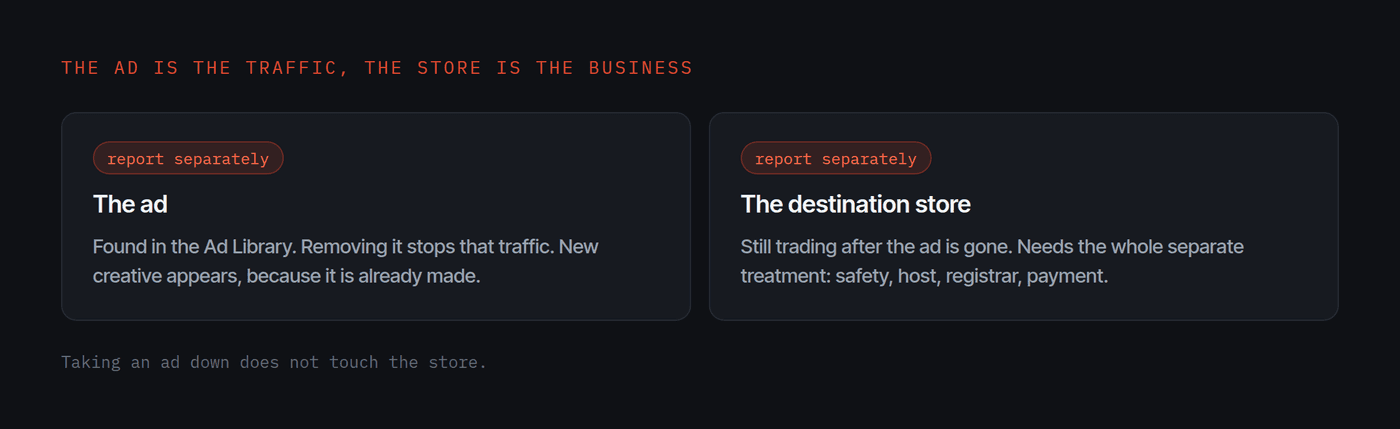
Taking an ad down does not touch the store. The ad is the traffic; the store is the business. Report both, and expect new ads from a new page, because the creative is already made and the operator has nothing to lose by running it again.
Watch the ads, and catch the store behind them
Because these operations run on paid social rather than search, the Ad Library is often where you see a copy first. For the full detection routine, see how to find fake copies of your website, and for the mechanism behind the ads, how store cloners actually work. To take the destination store down, how to take down a fake website has the routes and the costs, and whether ChatGPT is recommending fake stores instead of your brand covers the newer surface.
Find the ads and the stores in one pass
Katcher's free imposter scan finds the storefronts using your brand and shows you the evidence for each one, with no card and no call. It is newer than the enterprise tools and has a smaller takedown track record, but surfacing the copies behind the ads is the job it is built for.
About the author
Davis Paipa is the founder of Katcher and of Libautech, and has spent five years building on Shopify. He wrote this up because the ad, not the search result, is where most brands would have seen the copy first if they had been looking.
Questions
Why can I not find the fake store in Google?
Because most of them are not trying to rank. They buy paid social traffic, often using the brand's own product videos, and a store that lives on ads can be invisible in search while taking orders all day.
How do I see what ads someone is running?
Meta publishes an Ad Library covering ads running across its platforms. You can search it by advertiser or by keyword without an advertising account, which makes it the fastest way to see whether your creative is being used.
Is reporting an ad the same as reporting a page?
No. The ordinary in-app report button is for community standards. Intellectual property claims go through a separate form, and using the wrong one is a common reason nothing happens.
Will the advertiser learn who reported them?
On an intellectual property report, expect your details to be passed to the advertiser. That is standard across platforms for IP claims and it is worth knowing before you file rather than after.
How do I find fake Instagram ads using my brand?
Search the Meta Ad Library, which covers Instagram as well as Facebook, for your brand name, then for your product names, which the copy often uses while avoiding your brand name on purpose. You do not need an advertising account. Once you find one advertiser, search its page, because an operator running one copy is usually running several. Capture dated screenshots of the ad, the advertiser and the destination URL, because ads stop running and the entry changes.
How do I report fake Facebook ads impersonating my store?
Use Meta's Intellectual Property Reporting Center rather than the in-app report button, which only handles community standards. The IP form asks you to identify the rights you hold and the exact content that infringes them, and it carries a good-faith declaration that only the rights holder can make. Pair each claim with the original, your video on your own channel with its date, or your product photo, so a reviewer can see the two side by side.
How do I remove fake ads using my brand?
Report the ad through Meta's Intellectual Property Reporting Center with the original alongside the copy. Then report the destination store separately, because taking the ad down does not touch the store, and expect new ads from a new page since the creative is already made. Many brands run the no-signature routes against the store first, because those are faster and do not put their name in front of the operator the way an IP claim does.